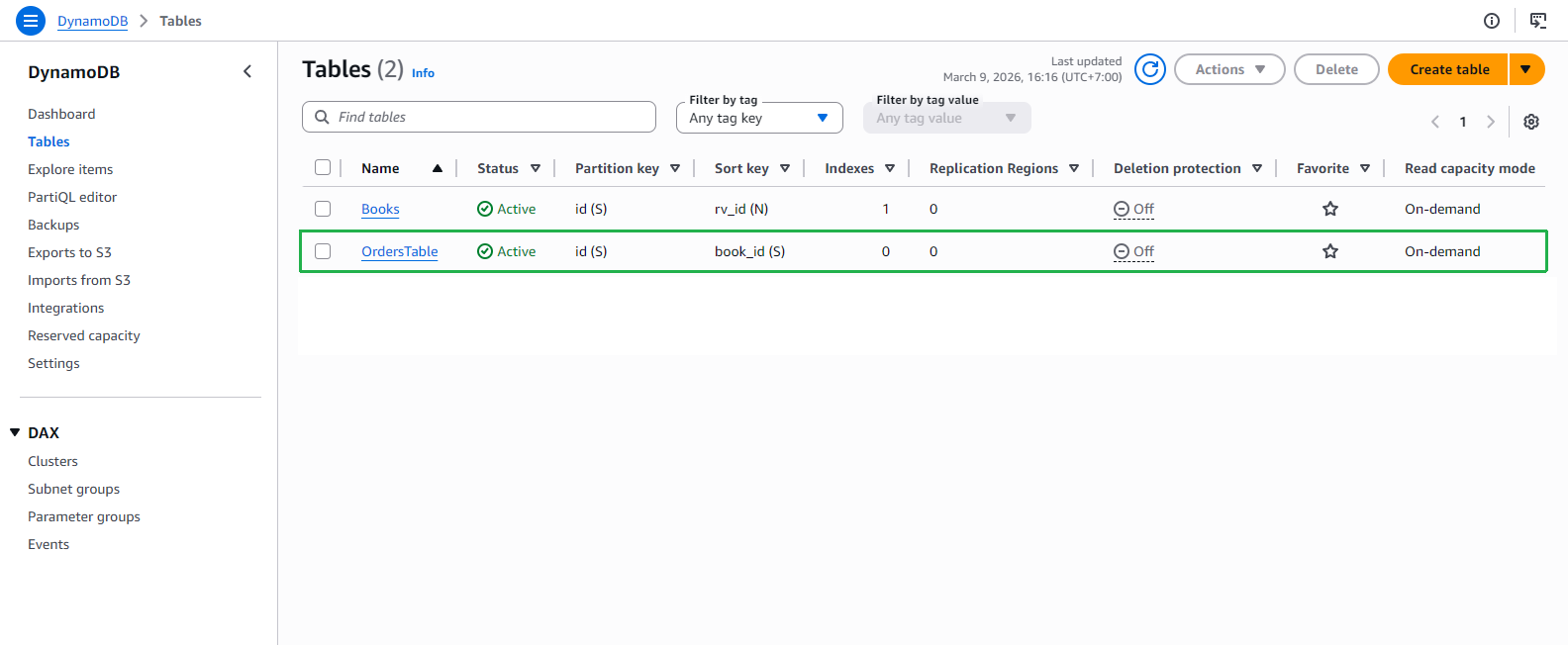
Create OrdersTable DynamoDB table
In this step, we will create a new DynamoDB table using a SAM template.
Create FCAJOrdersTable DynamoDB table
Open template.yaml in the source code you downloaded before.
Add the following parameter to define the table name for FCAJOrdersTable.
orderTable:
  Type: String
  Default: OrdersTable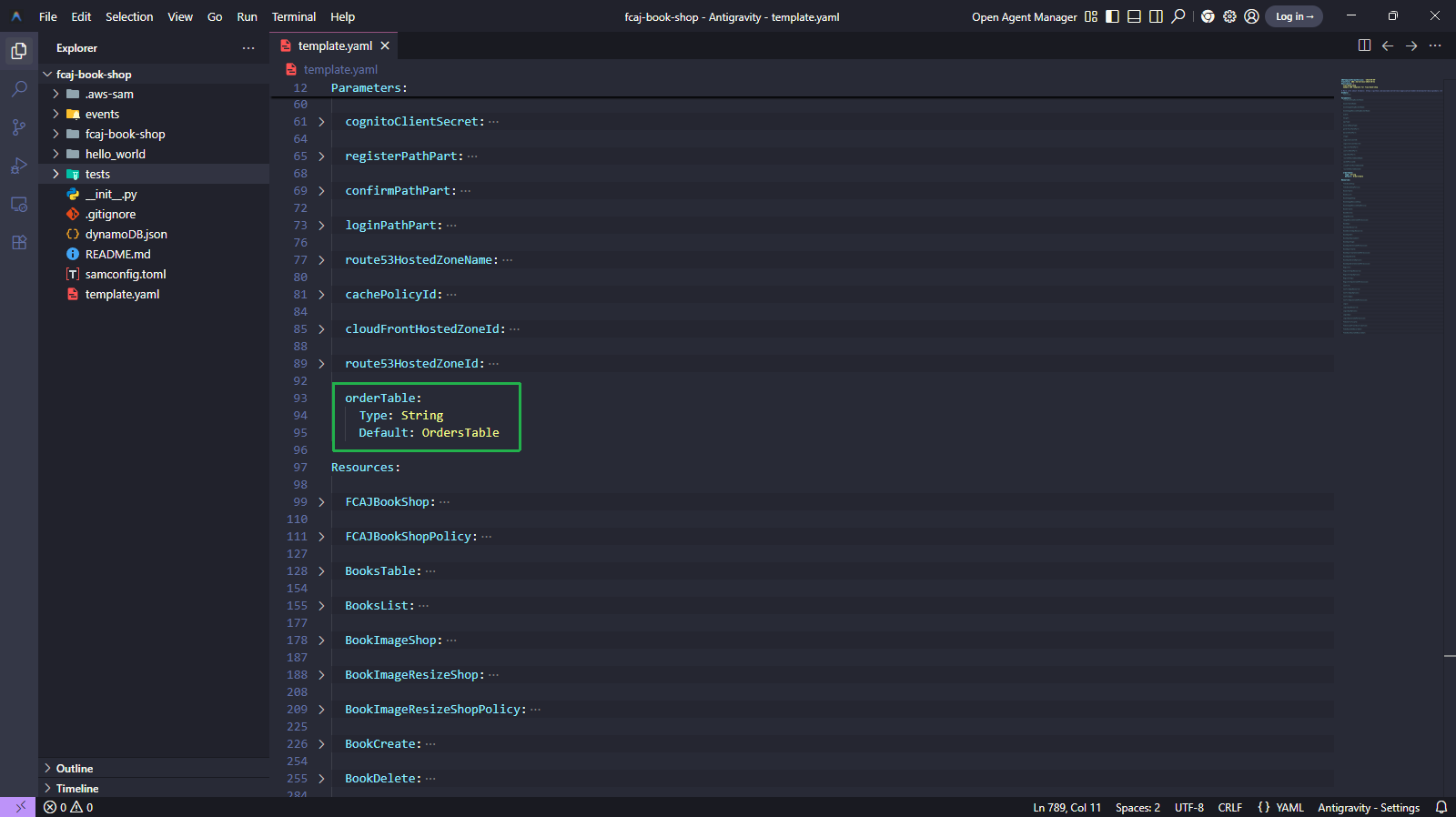
Add the following resource block to create the FCAJOrdersTable DynamoDB table.
FCAJOrdersTable:
  Type: AWS::DynamoDB::Table
  Properties:
    TableName: !Ref orderTable
    BillingMode: PAY_PER_REQUEST
    AttributeDefinitions:
      - AttributeName: id
        AttributeType: S
      - AttributeName: book_id
        AttributeType: S
    KeySchema:
      - AttributeName: id
        KeyType: HASH
      - AttributeName: book_id
        KeyType: RANGE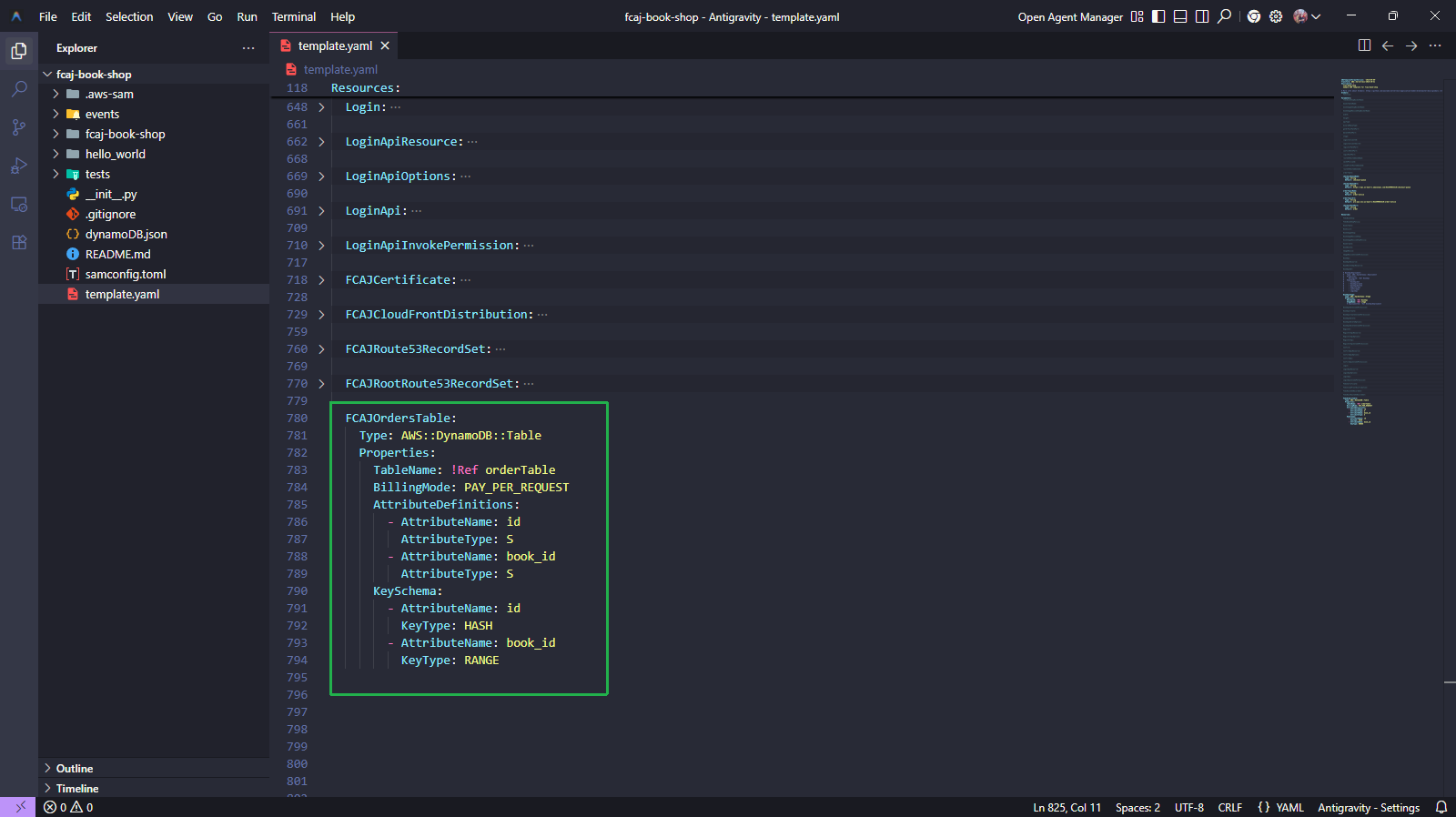
Run the below commands to validate and build the SAM template.
sam validate
sam build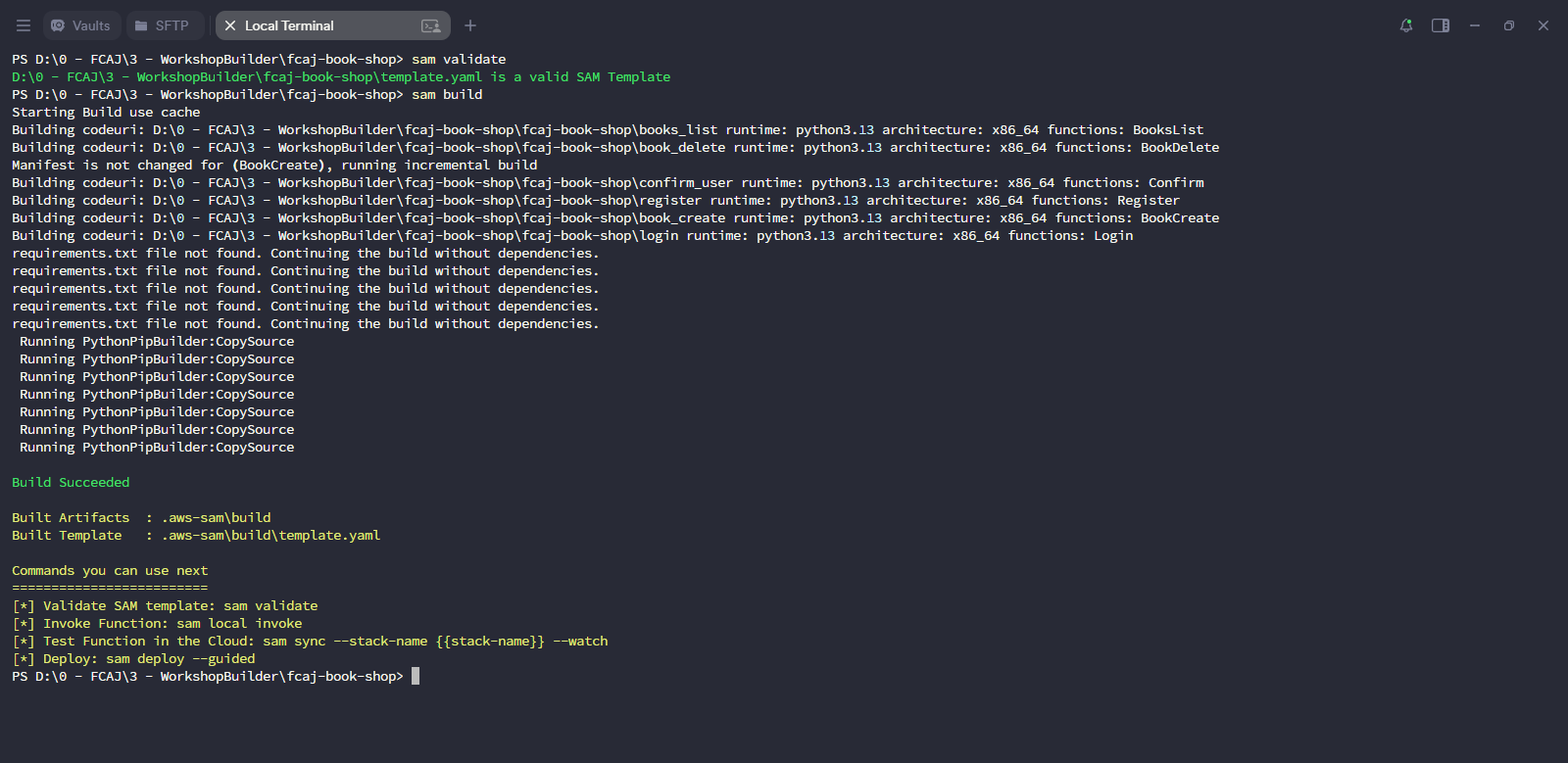
Deploy the updated stack.
sam deploy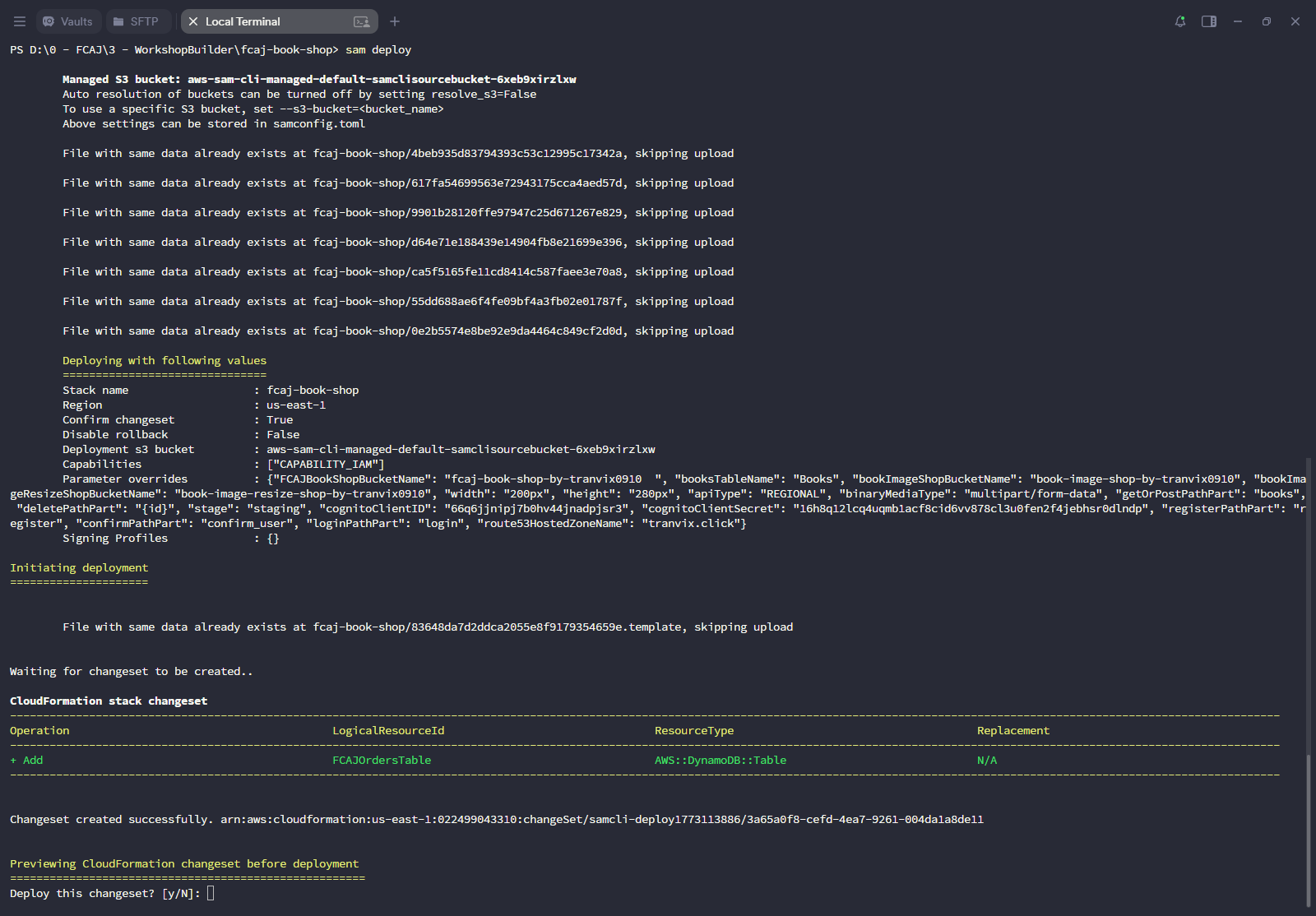
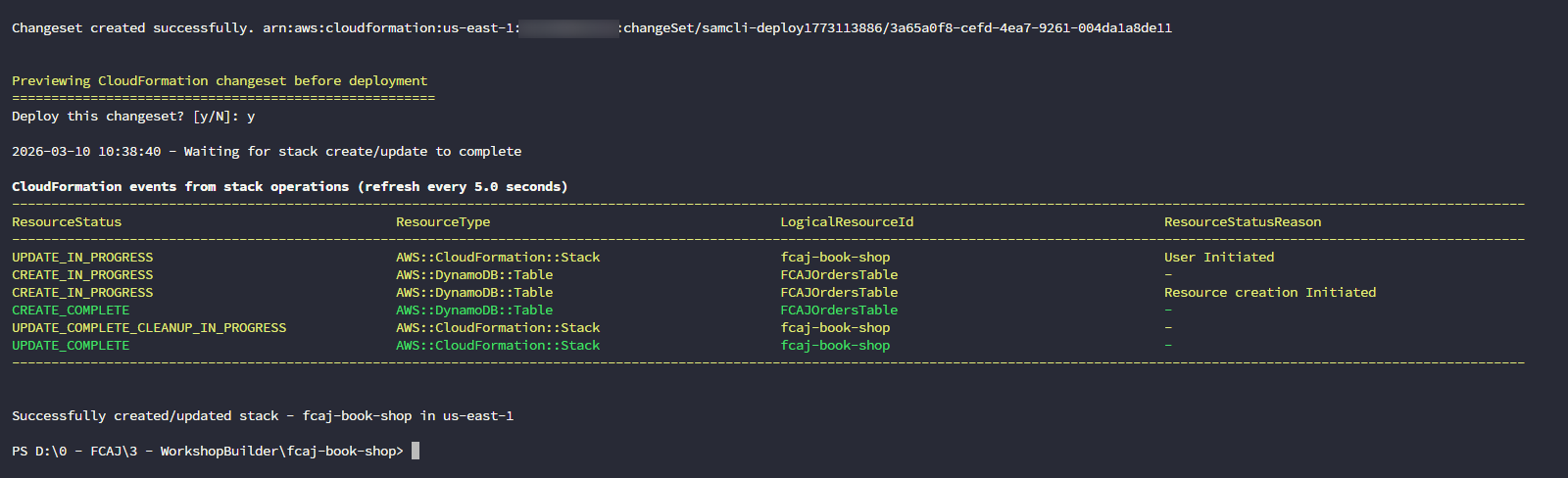
Wait for the CloudFormation stack to finish creating the FCAJOrdersTable resource.
Open AWS DynamoDB console to verify the OrdersTable has been created successfully.