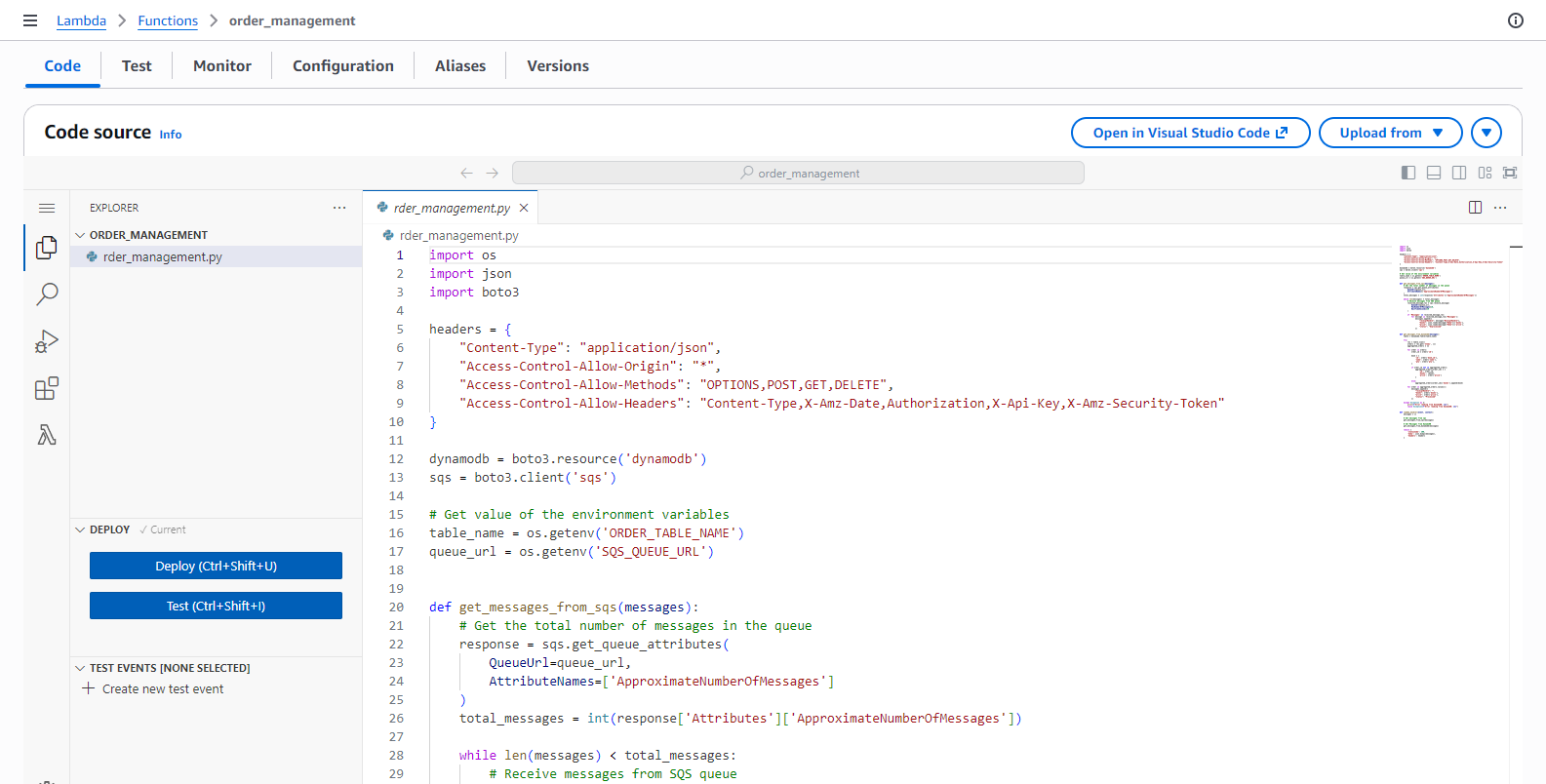
Create order_management Lambda function
In this step, we will create a new order_management Lambda function using a SAM template.
Preparation
Open template.yaml in the source code you downloaded before.
Comment this code block.
# BookApiDeployment:
#   Type: AWS::ApiGateway::Deployment
#   Properties:
#     RestApiId: !Ref BookApi
#   DependsOn:
#     - BookApiGet
#     - BookApiCreate
#     - BookApiDelete
#     - LoginApi
#     - RegisterApi
#     - ConfirmApi
#     - FCAJCheckoutOrderApi

BookApiStage:
  Type: AWS::ApiGateway::Stage
  Properties:
    RestApiId: !Ref BookApi
    StageName: !Ref stage
#     DeploymentId: !Ref BookApiDeployment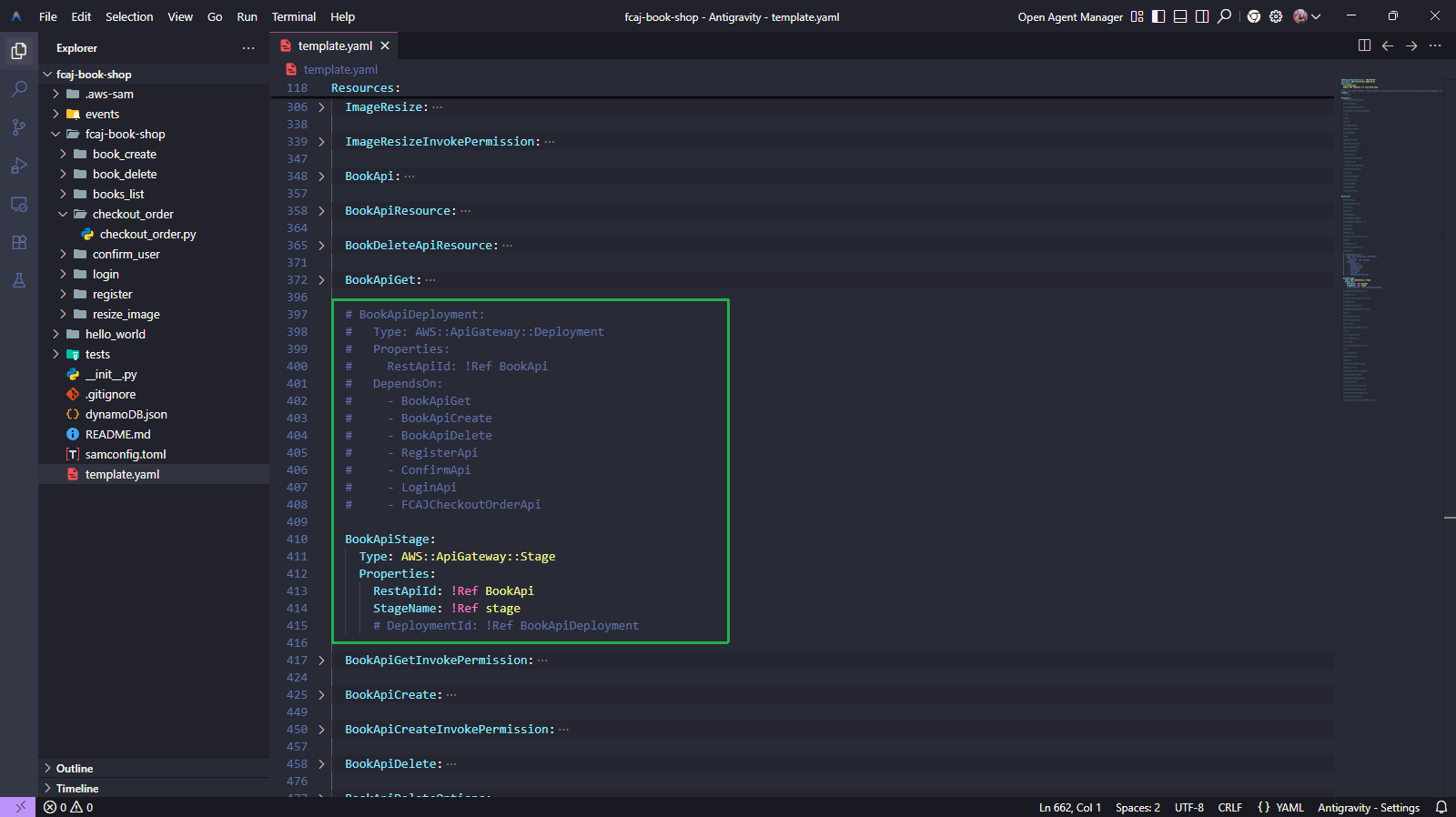
Run the below commands.
sam validate
sam build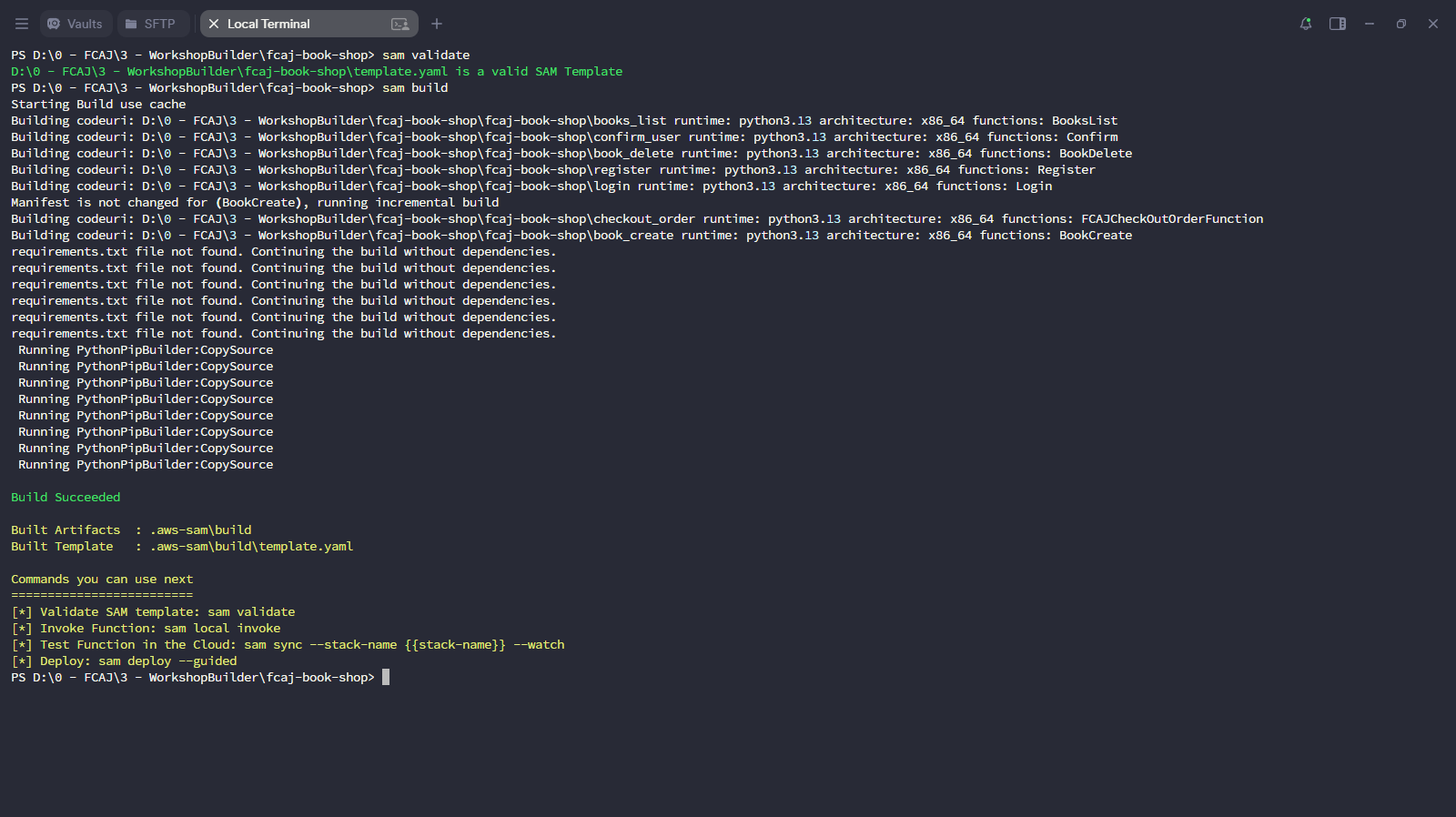
Deploy the updated stack.
sam deploy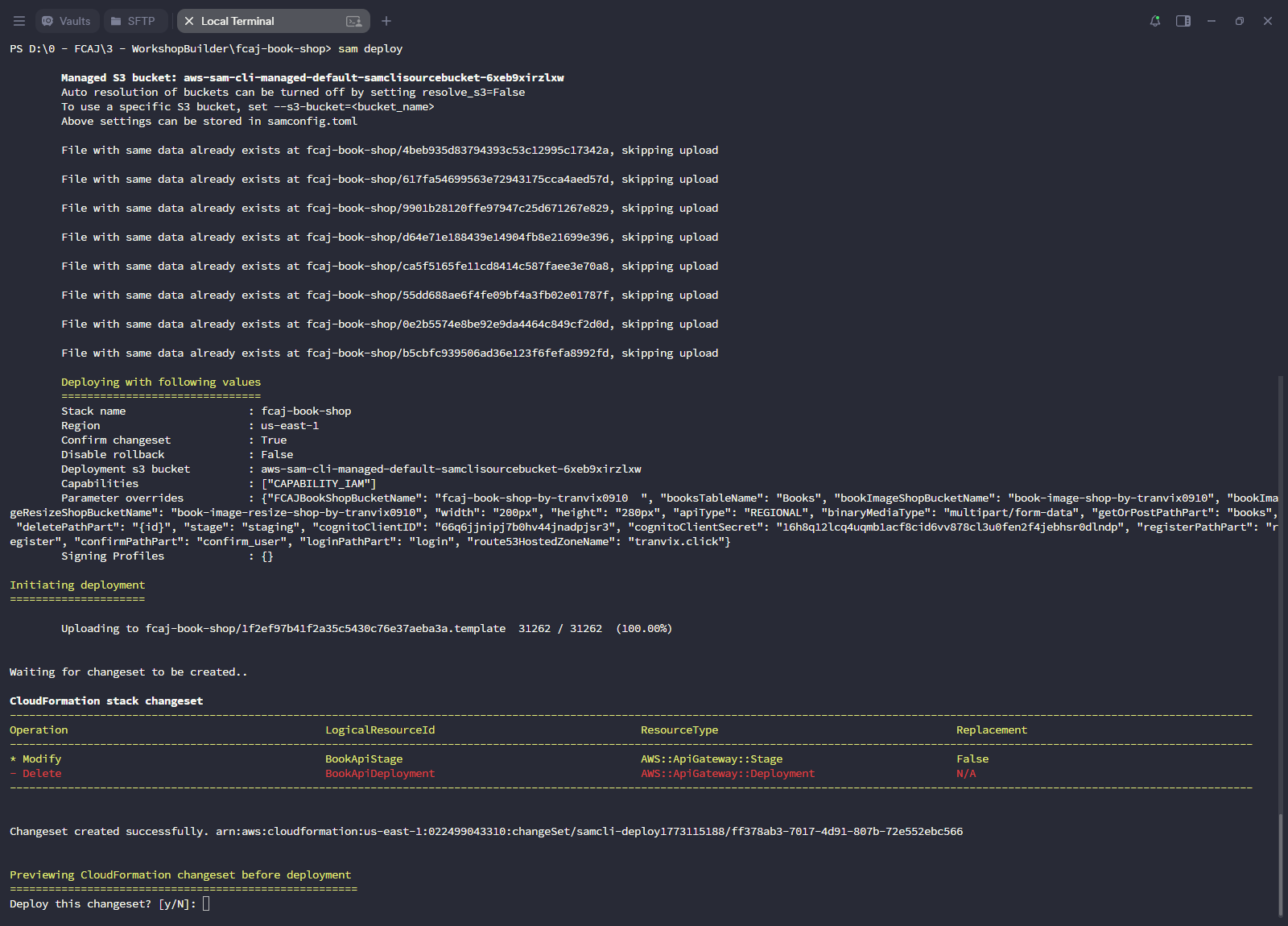
Wait for the deployment to complete.
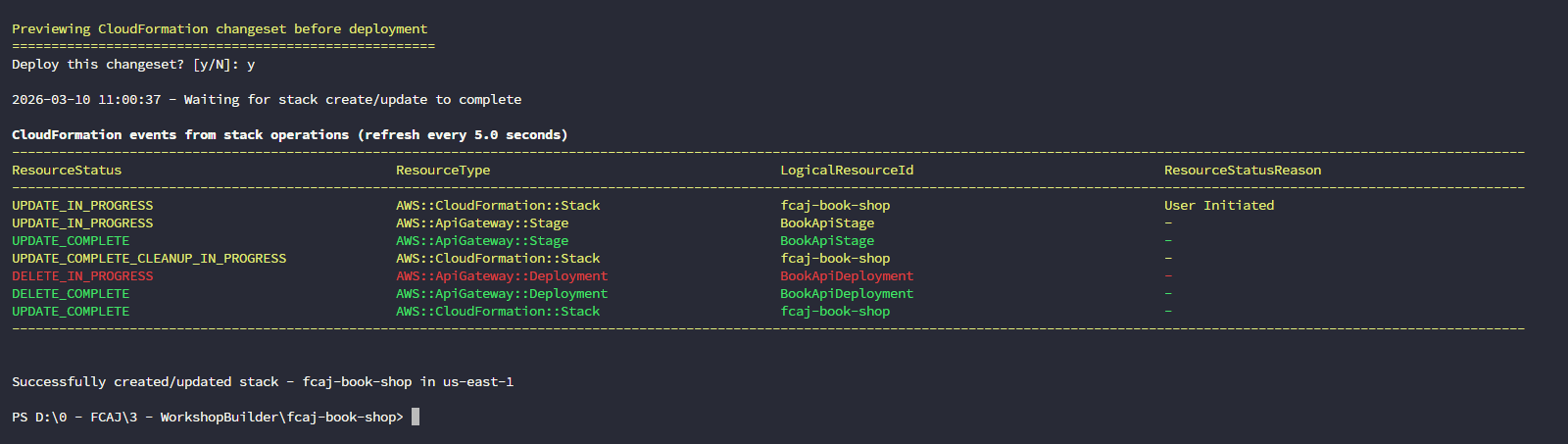
Create FCAJOrderManagement function
Open template.yaml in the source code you downloaded before.
Add the following scripts below to create FCAJOrderManagement function.
FCAJOrderManagementFunction:
  Type: AWS::Serverless::Function
  Properties:
    CodeUri: fcaj-book-shop/order_management
    Handler: order_management.lambda_handler
    Runtime: python3.13
    FunctionName: order_management
    Environment:
      Variables:
        SQS_QUEUE_URL: !Ref checkoutQueueUrl
        ORDER_TABLE_NAME: !Ref orderTable
    Architectures:
      - x86_64
    Policies:
      - Statement:
          - Sid: VisualEditor0
            Effect: Allow
            Action:
              - dynamodb:Scan
              - dynamodb:Query
            Resource:
              - !Sub "arn:aws:dynamodb:${AWS::Region}:${AWS::AccountId}:table/${orderTable}"
          - Sid: VisualEditor1
            Effect: Allow
            Action:
              - sqs:*
            Resource:
              - !Sub "arn:aws:sqs:${AWS::Region}:${AWS::AccountId}:${checkoutQueueName}"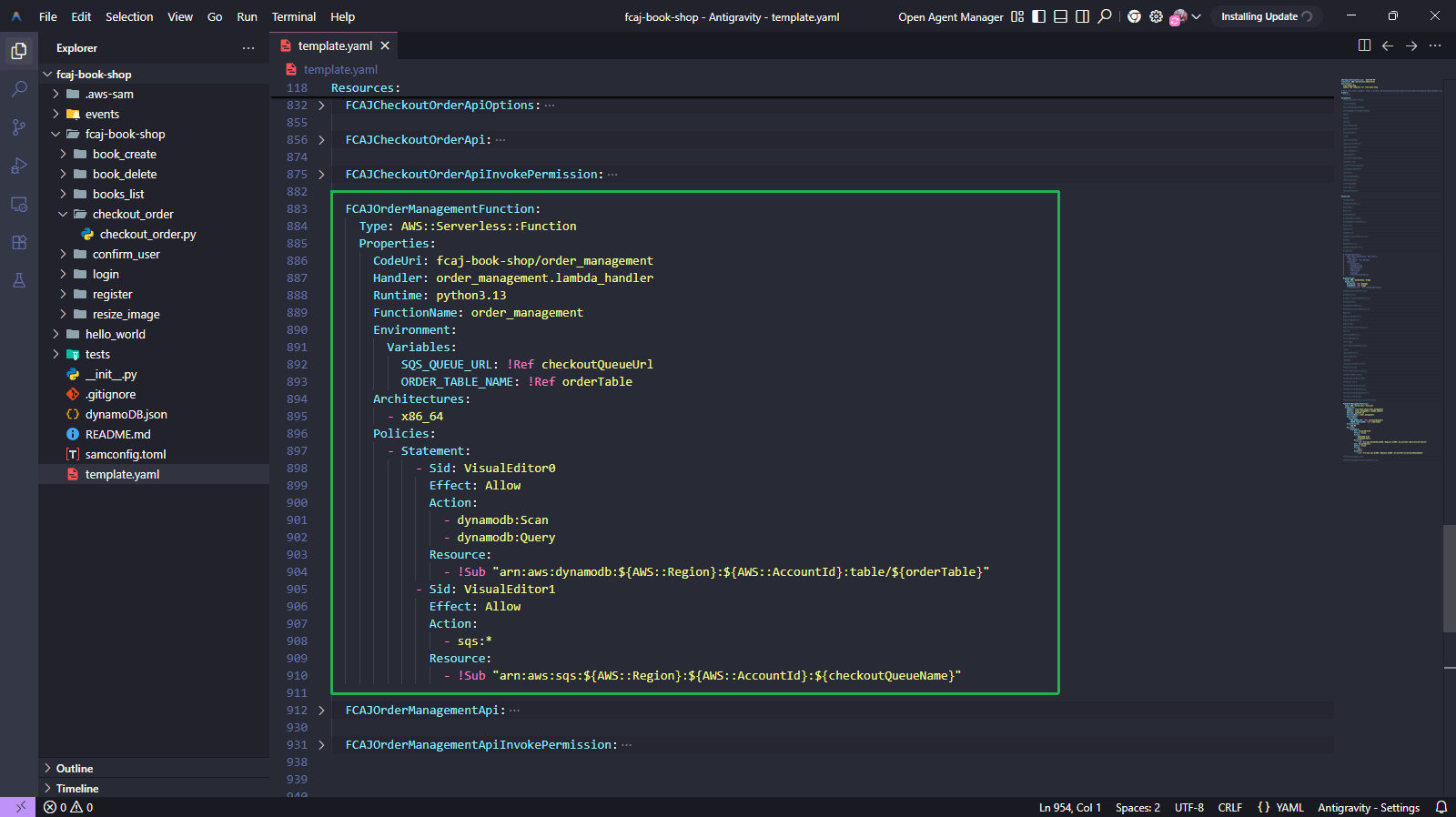
FCAJOrderManagementApi:
  Type: AWS::ApiGateway::Method
  Properties:
    HttpMethod: GET
    RestApiId: !Ref BookApi
    ResourceId: !Ref FCAJCheckoutOrderResource
    AuthorizationType: NONE
    Integration:
      Type: AWS_PROXY
      IntegrationHttpMethod: POST # For Lambda integrations, you must set the integration method to POST
      Uri: !Sub >-
        arn:aws:apigateway:${AWS::Region}:lambda:path/2015-03-31/functions/${FCAJOrderManagementFunction.Arn}/invocations
    MethodResponses:
      - StatusCode: "200"
        ResponseParameters:
          method.response.header.Access-Control-Allow-Origin: true
          method.response.header.Access-Control-Allow-Methods: true
          method.response.header.Access-Control-Allow-Headers: true

FCAJOrderManagementApiInvokePermission:
  Type: AWS::Lambda::Permission
  Properties:
    FunctionName: !Ref FCAJOrderManagementFunction
    Action: lambda:InvokeFunction
    Principal: apigateway.amazonaws.com
    SourceAccount: !Ref "AWS::AccountId"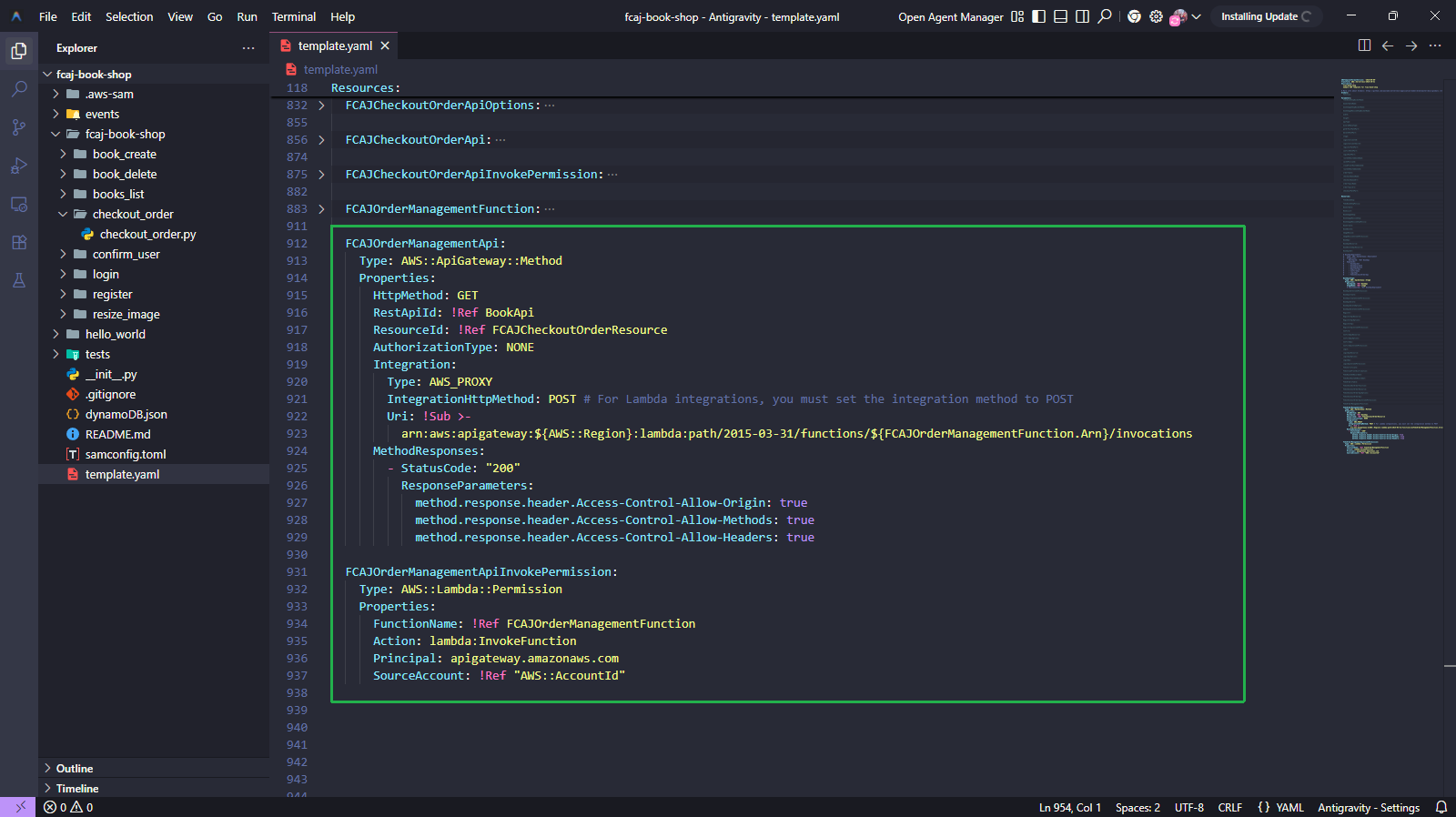
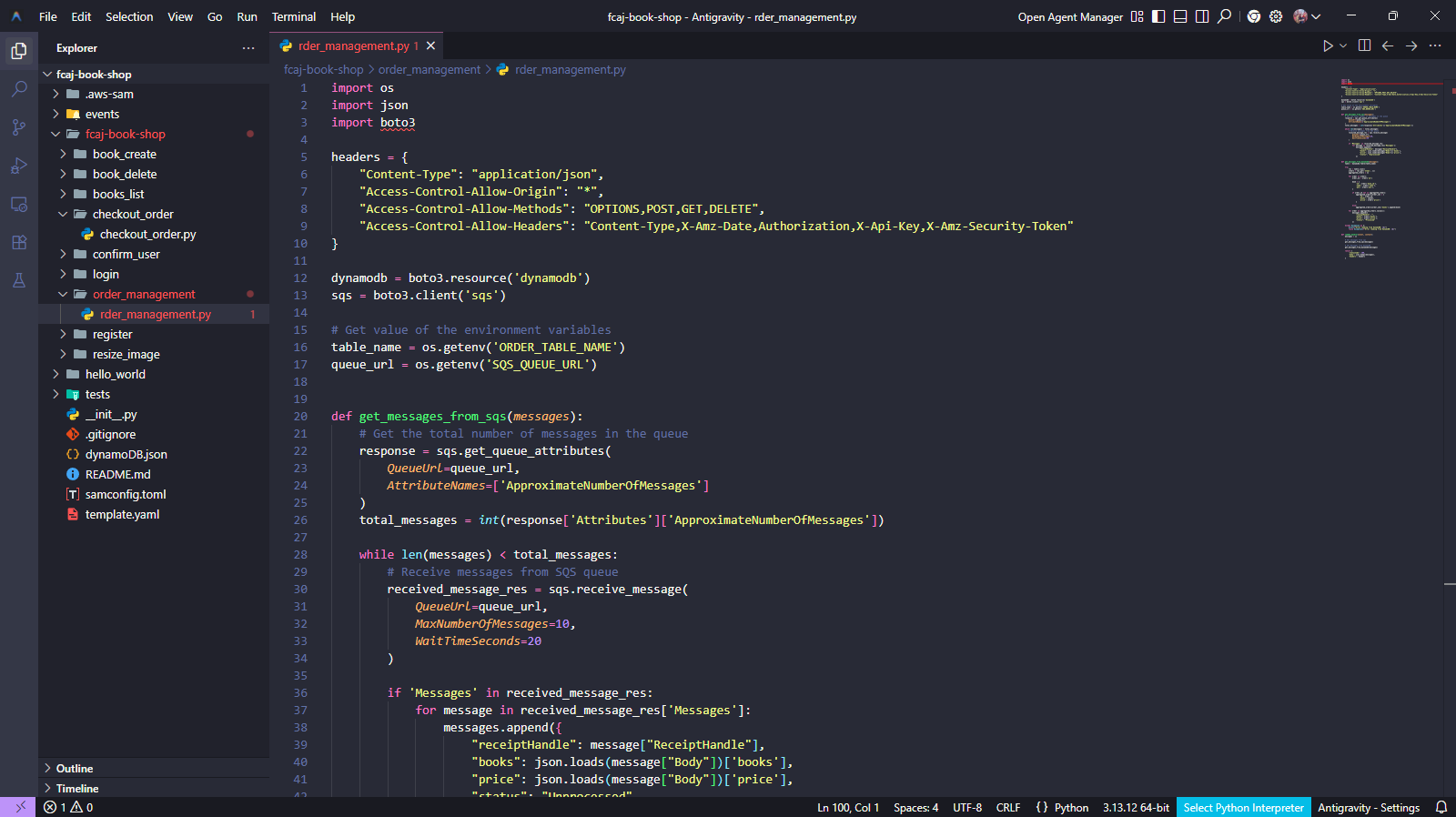
The directory structure is as follows.
fcaj-book-shop
├── fcaj-book-shop
│   ├── checkout_order
│   │   └── checkout_order.py
│   ├── order_management
│   │   └── order_management.py
│   ├── ...
│
└── template.yaml
Create order_management folder in fcaj-book-shop/fcaj-book-shop/ folder.
Create order_management.py file and copy the following code to it.
import os
import json
import boto3

headers = {
    "Content-Type": "application/json",
    "Access-Control-Allow-Origin": "*",
    "Access-Control-Allow-Methods": "OPTIONS,POST,GET,DELETE",
    "Access-Control-Allow-Headers": "Content-Type,X-Amz-Date,Authorization,X-Api-Key,X-Amz-Security-Token"
}

dynamodb = boto3.resource('dynamodb')
sqs = boto3.client('sqs')

# Get value of the environment variables
table_name = os.getenv('ORDER_TABLE_NAME')
queue_url = os.getenv('SQS_QUEUE_URL')


def get_messages_from_sqs(messages):
    # Get the total number of messages in the queue
    response = sqs.get_queue_attributes(
        QueueUrl=queue_url,
        AttributeNames=['ApproximateNumberOfMessages']
    )
    total_messages = int(response['Attributes']['ApproximateNumberOfMessages'])

    while len(messages) < total_messages:
        # Receive messages from SQS queue
        received_message_res = sqs.receive_message(
            QueueUrl=queue_url,
            MaxNumberOfMessages=10,
            WaitTimeSeconds=20
        )

        if 'Messages' in received_message_res:
            for message in received_message_res['Messages']:
                messages.append({
                    "receiptHandle": message["ReceiptHandle"],
                    "books": json.loads(message["Body"])['books'],
                    "price": json.loads(message["Body"])['price'],
                    "status": "Unprocessed"
                })


def get_messages_from_dynamodb(messages):
    table = dynamodb.Table(table_name)

    try:
        res = table.scan()
        orders = res.get('Items', [])
        aggregated_orders = {}

        for order in orders:
            order_id = order['id']

            book = {
                'id': order['book_id'],
                'name': order['name'],
                'qty': order['qty'],
            }

            if order_id not in aggregated_orders:
                aggregated_orders[order_id] = {
                    'id': order_id,
                    'books': [book],
                    'price': order['price']
                }

            else:
                aggregated_orders[order_id]['books'].append(book)

        for order in aggregated_orders.values():
            messages.append({
                "receiptHandle": "",
                "books": order['books'],
                "price": order['price'],
                "status": "Processed"
            })

    except Exception as e:
        print(f"Error reading from DynamoDB: {e}")
        raise Exception(f"Error reading from DynamoDB: {e}")


def lambda_handler(event, context):
    messages = []

    # Get messages from sqs
    get_messages_from_sqs(messages)

    # Get Messages from DynamoDB
    get_messages_from_dynamodb(messages)

    return {
        'statusCode': 200,
        'body': json.dumps(messages),
        'headers': headers
    }
Uncomment this code block.
BookApiDeployment:
  Type: AWS::ApiGateway::Deployment
  Properties:
    RestApiId: !Ref BookApi
  DependsOn:
    - BookApiGet
    - BookApiCreate
    - BookApiDelete
    - LoginApi
    - RegisterApi
    - ConfirmApi
    - FCAJCheckoutOrderApi
    - FCAJOrderManagementApi

BookApiStage:
  Type: AWS::ApiGateway::Stage
  Properties:
    RestApiId: !Ref BookApi
    StageName: !Ref stage
    DeploymentId: !Ref BookApiDeployment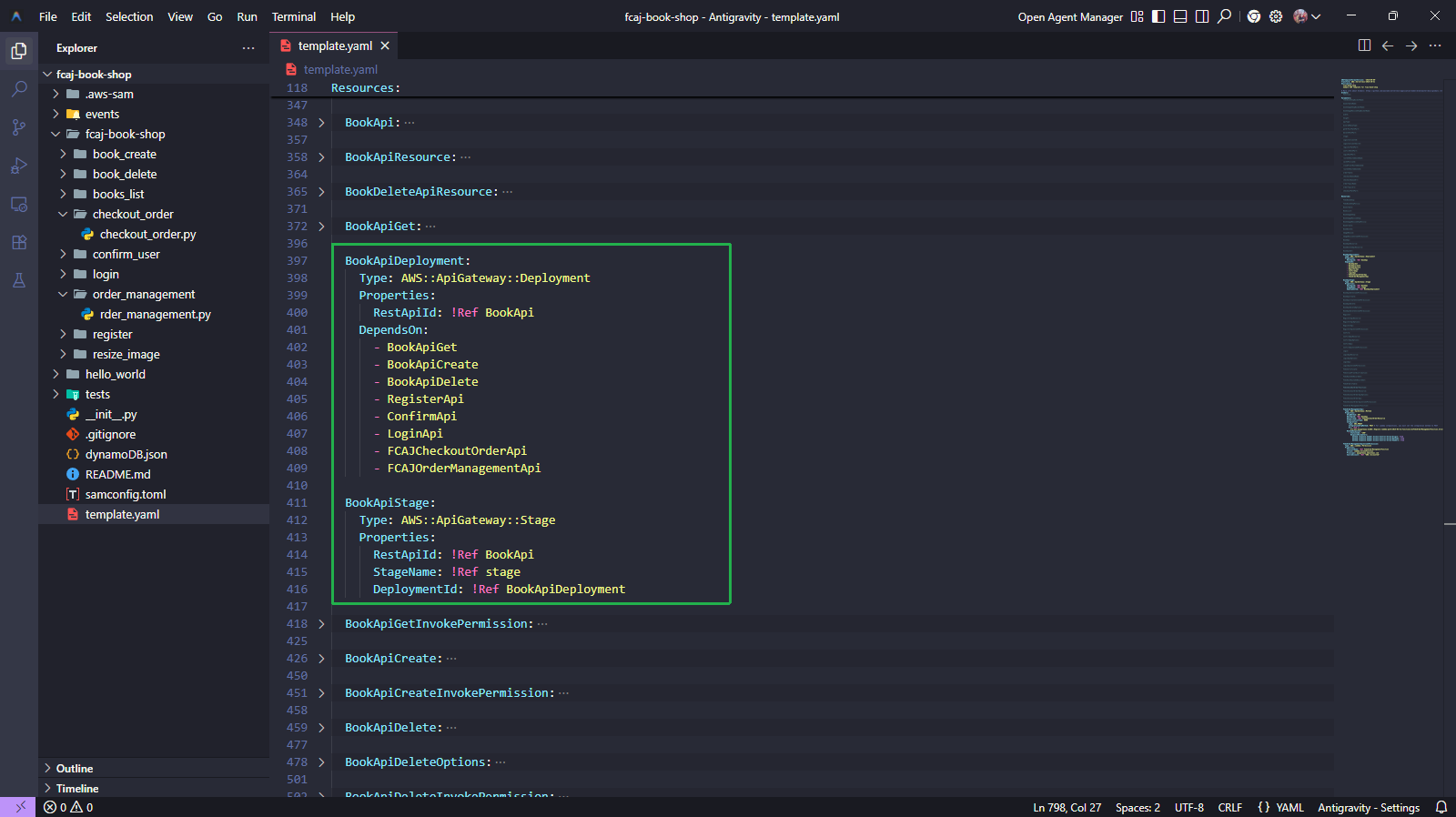
Run the below commands.
sam validate
sam build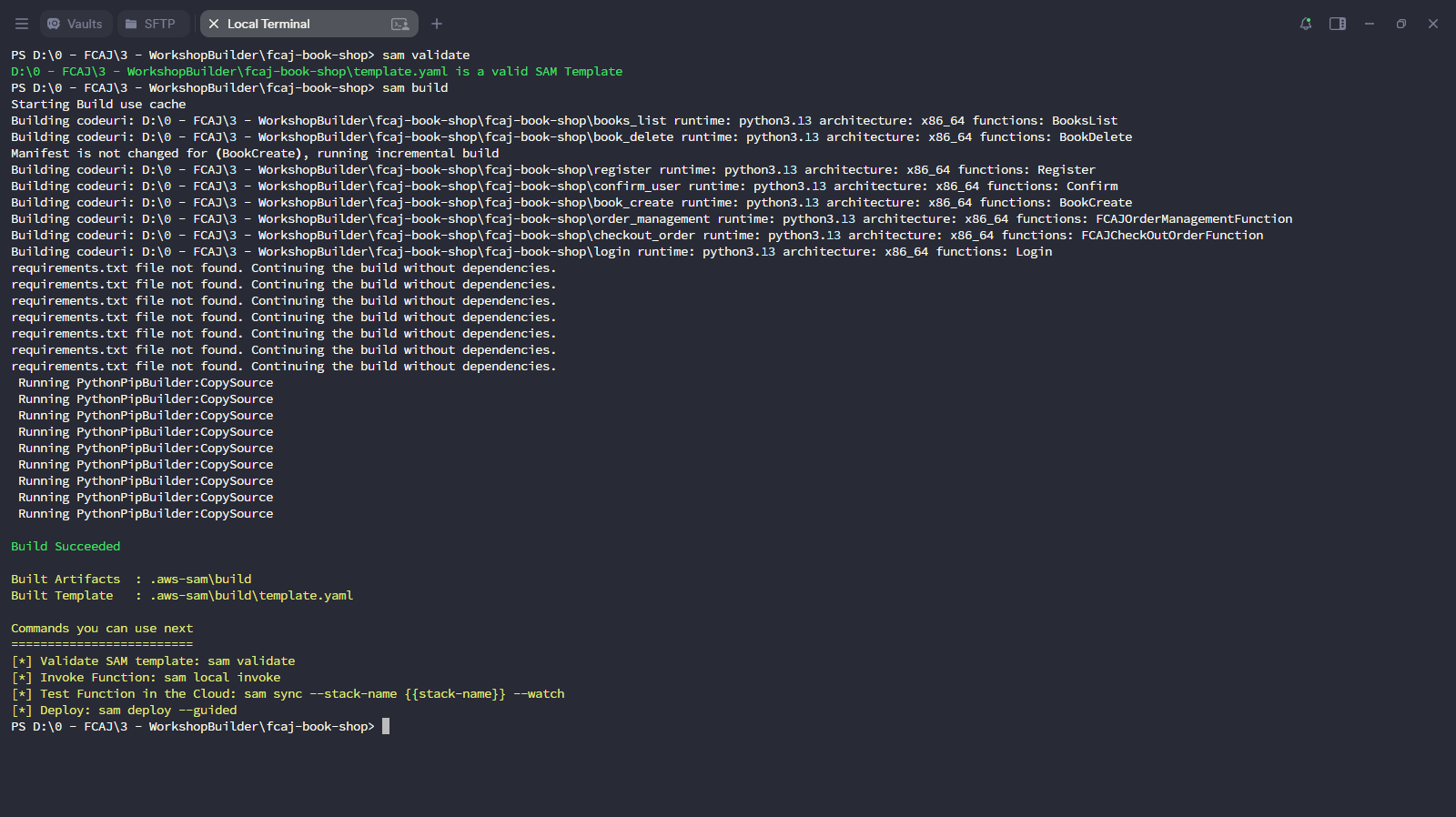
Deploy the updated stack.
sam deploy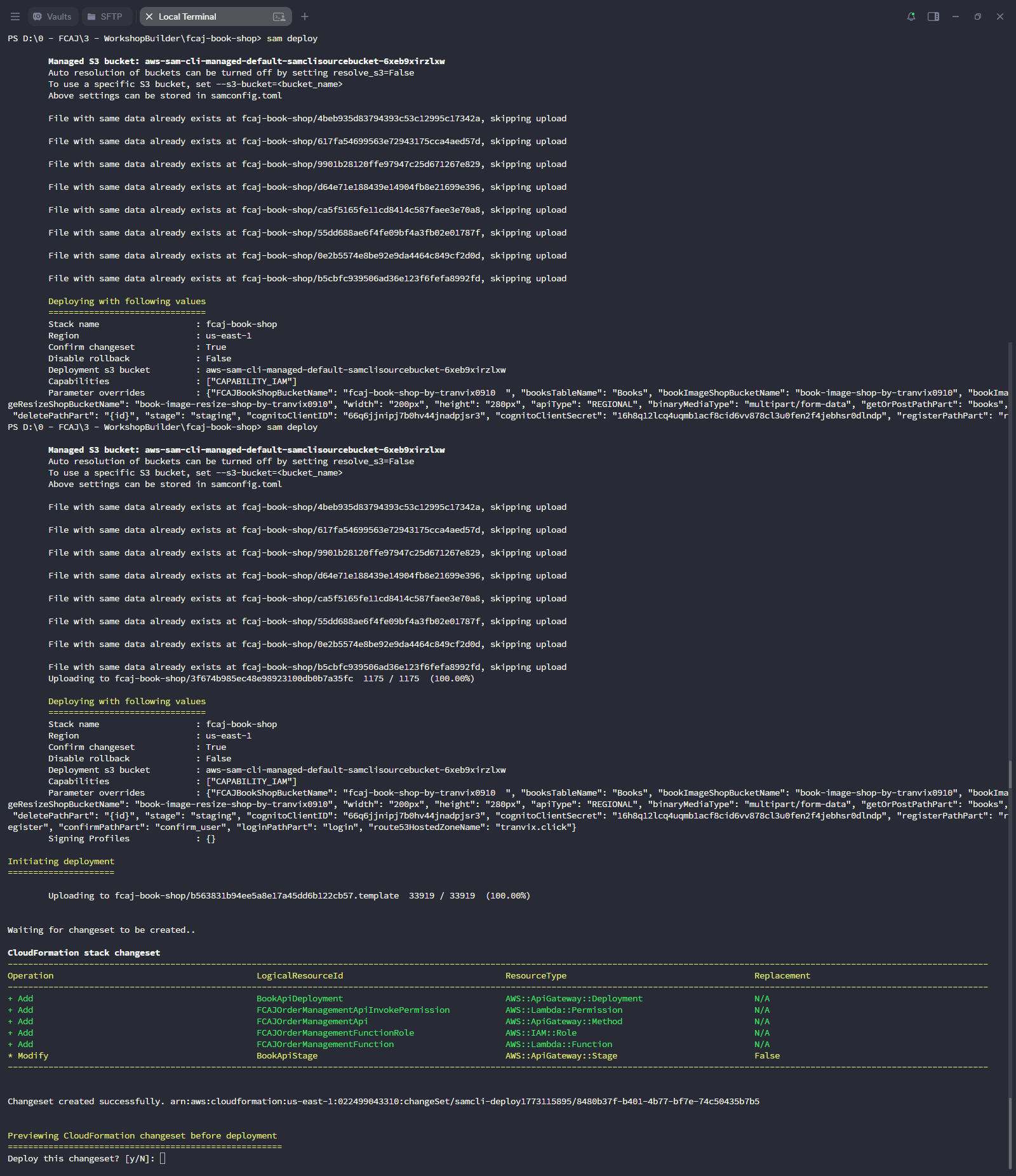
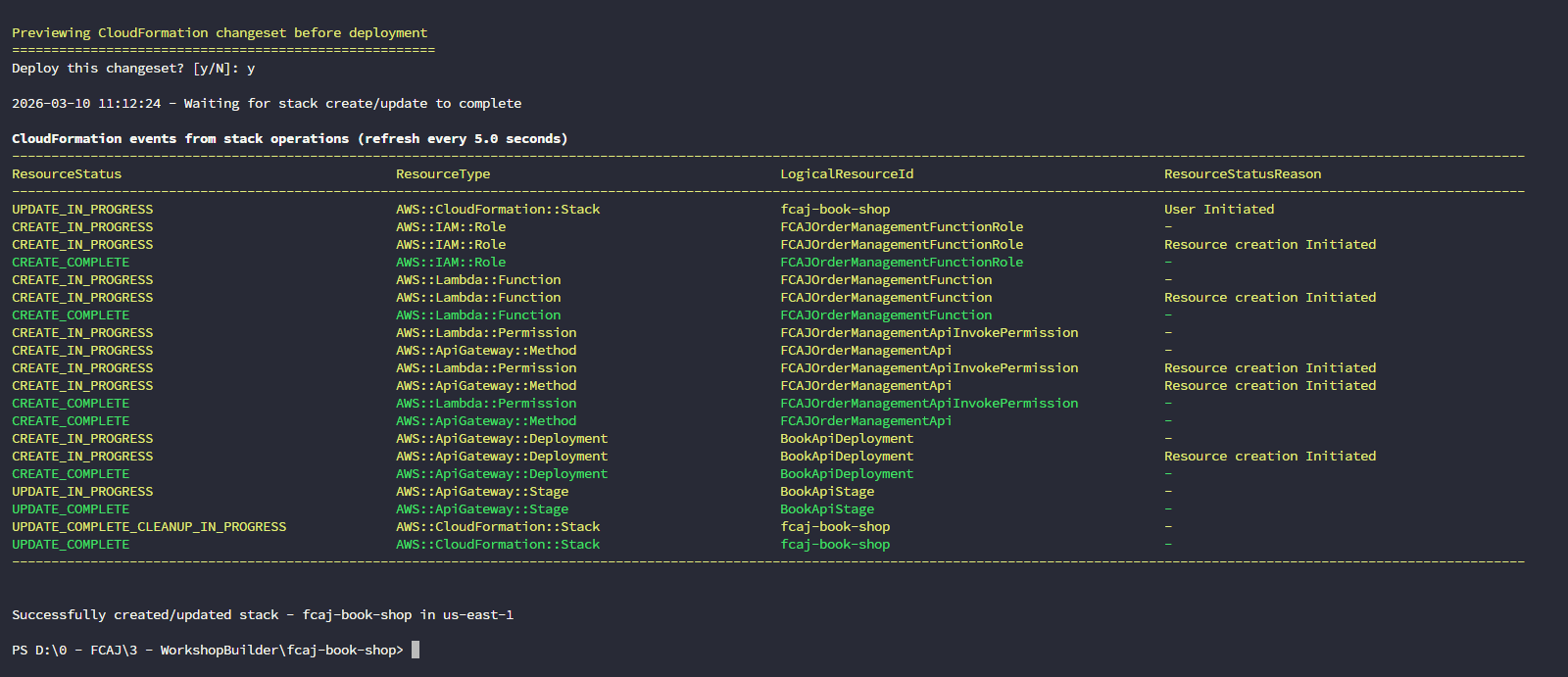
Wait for the deployment to complete.
Check the creation
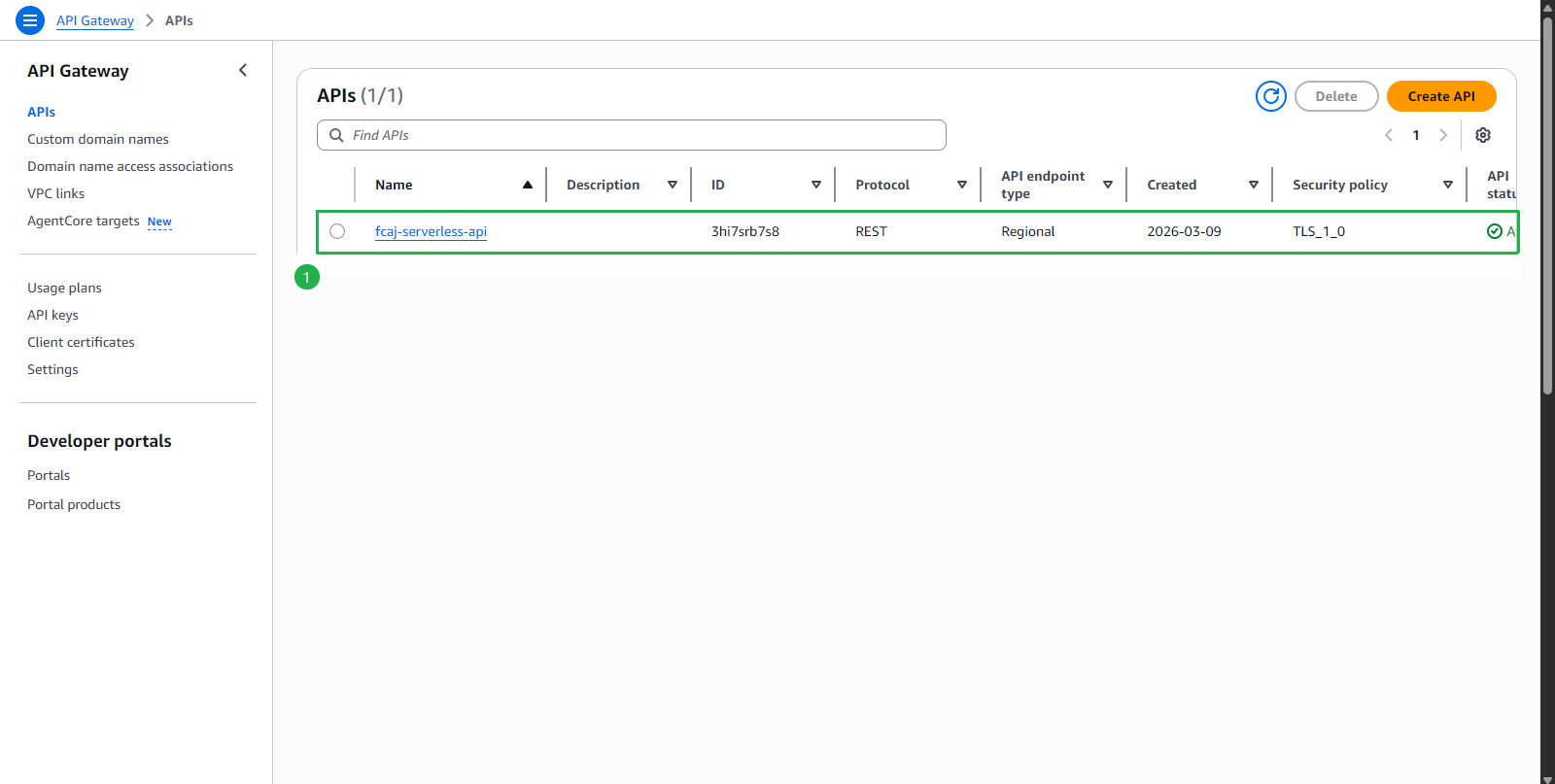
Open Amazon API Gateway console.
- Click fcaj-serverless-api.
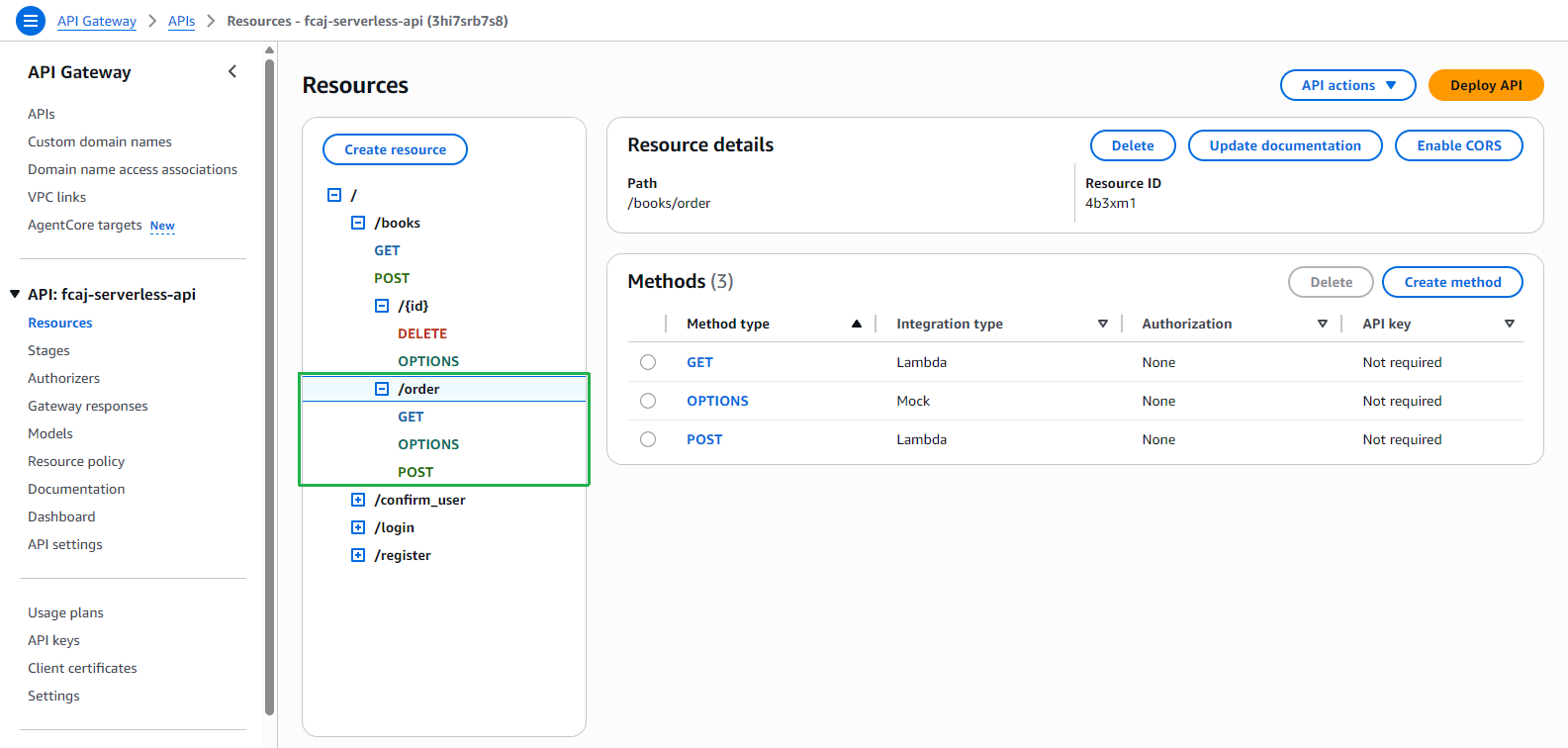
- Click Resources on the left menu.
- Check /order resource with GET, OPTIONS, POST methods.
- Click fcaj-serverless-api.
Open Amazon Lambda console.
- Click Functions on the left menu.
- Choose order_management function.
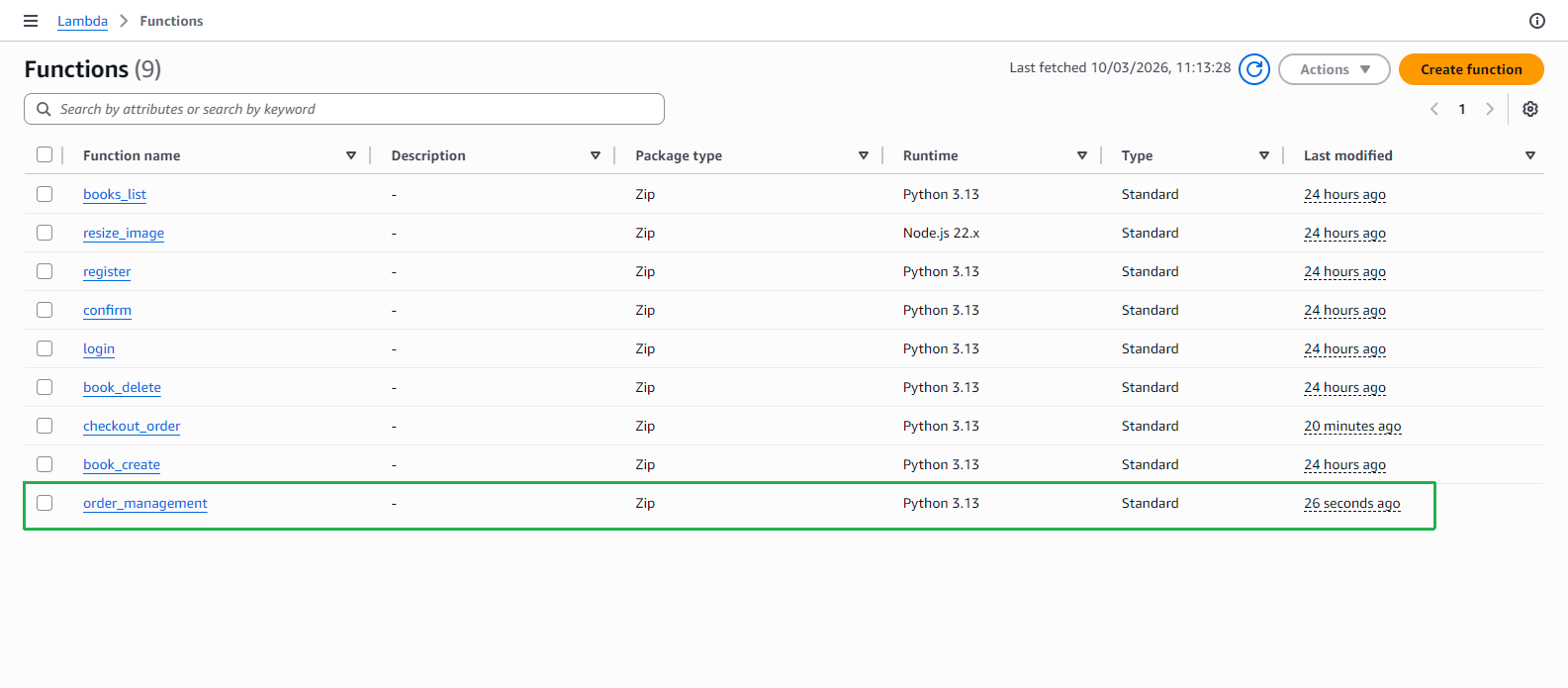
- At order_management page, check the function that just created.